March 23rd, 2026
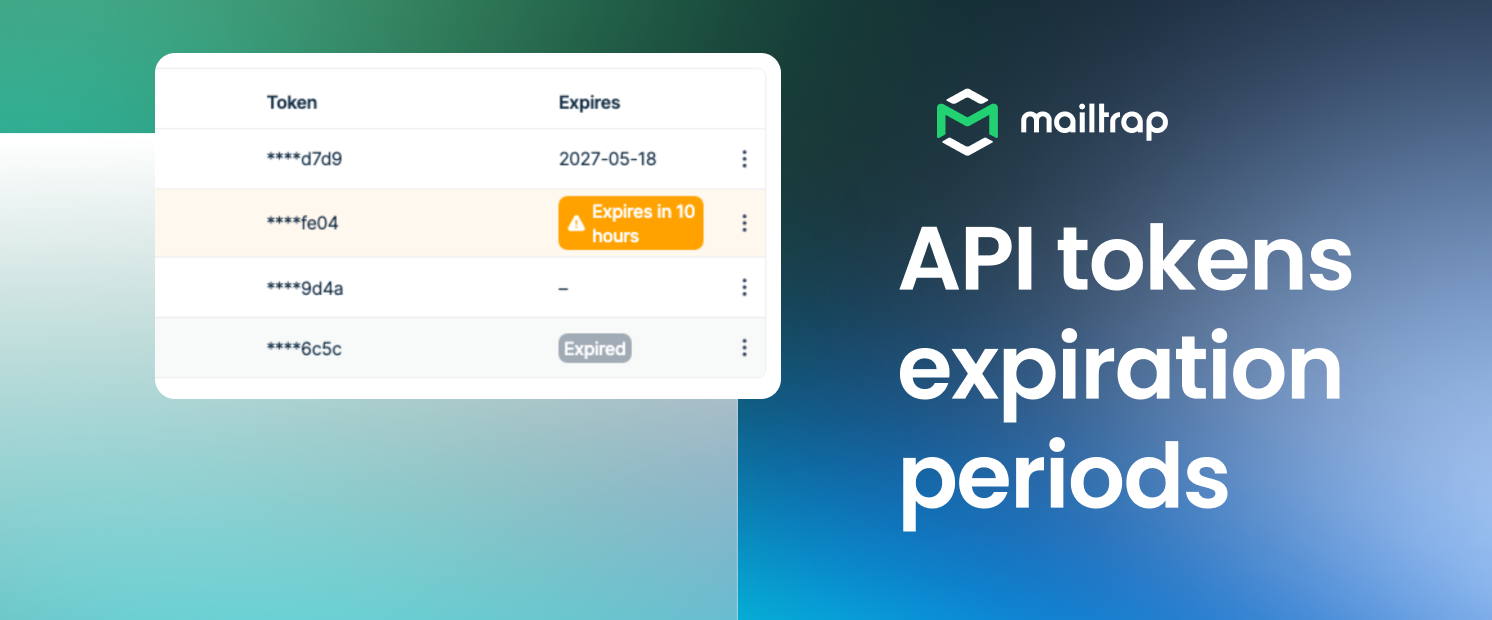
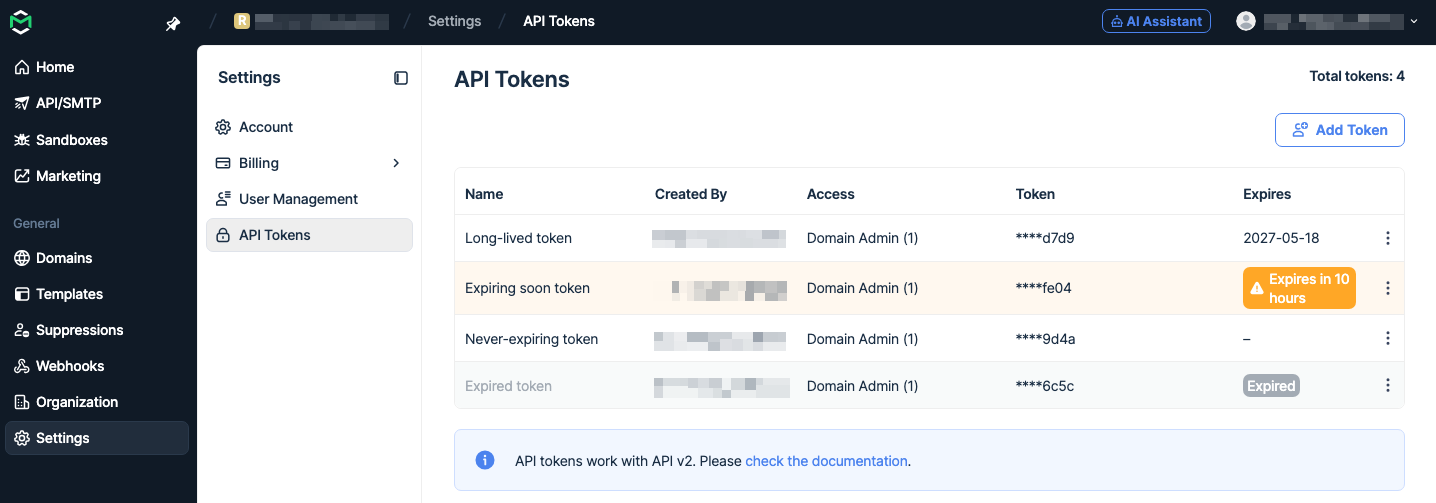
You can now manage API tokens programmatically using five new endpoints — no UI required.
For instance, this allows you to provision sending tokens per customer at signup, automate token rotation without interrupting production, or give AI agents isolated credentials.
Available endpoints:
List API tokens – Returns all API tokens visible to the current API token.
Create API token – Creates a new API token for the account with the given name and resource permissions.
Get API token – Returns a single API token by id.
Delete API token – Permanently deletes an API token.
Reset API token – Rotate a token: the old one expires after a short grace period and the new one inherits the same scope and permissions.
The full token lifecycle is covered: from creation to rotation, and each endpoint is scoped to a specific account, project, sandbox, or sending domain.
For more details, please consult the official API documentation.
March 19th, 2026
Hey there!
We’re happy to announce that we’ve added an AI-powered support chat directly in the app. Got a question? Start there! It's the fastest way to get an answer.
And in case our AI assistant isn’t able to help with your issue, simply click on the Start Conversation button and talk to a real human from our customer support team.

March 16th, 2026
You can now exclude recipients who soft bounced, giving you more control over who receives your next send!
How it works: When building a segment, select Campaign soft bounced as a condition and define a time window (e.g., Is Within the last 7 days). Then:
If you send campaign A, any contact who soft bounced within that period will be captured in the segment.
You can send campaign B excluding the 20 soft bounced recipients.
Furthermore, if a soft bounce is resolved within the time period you set (e.g., 7 days), they're automatically included back in the segment.
Why it matters: Segmenting your contacts by soft bounces protects your sender reputation without the need for any manual cleanup.
The feature is available under Contacts → Segments.

February 27th, 2026
The Mailtrap Ruby SDK has been significantly expanded. It now covers the full Mailtrap feature set - from batch sending and sandbox testing to contact management, templates, and more.
Here's what's new:
Batch Sending — Send up to 500 emails in a single API call using a shared base configuration. Useful for newsletters, notifications, and any high-volume use case.
Sandbox Mode — Send emails directly to your Mailtrap Sandbox inbox for testing, without touching real recipients. Just initialize the client with sandbox: true and your inbox_id.
Multiple Client Support — You can now run transactional and bulk delivery methods simultaneously within the same Rails app, making it easy to separate email streams by type.
Expanded API Coverage — The SDK now includes modules for:
Sending Domains API
Email Sandbox management (Projects, Inboxes, Messages, Attachments)
Contact management (CRUD & listing)
Accounts API
Support of reply_to — The from_content mail builder now supports a reply_to field.
Full documentation and code examples are available in the Ruby SDK guide and the GitHub repository.
February 22nd, 2026
We have officially released Mailtrap Airflow Provider that lets you send transactional emails directly from your DAGs using the official Mailtrap provider package. With this integration, you can:
Send plain text or HTML emails as part of your workflows
Send emails to multiple recipients
Use Jinja templating for dynamic content (e.g., Airflow variables, XCom values, etc.)
Track emails with Mailtrap analytics using the category parameter
Requirements: Python 3.9+, Apache Airflow 2.4+
For detailed setup instructions and examples, check out the official GitHub repository or the PyPi package.

January 28th, 2026
From now on, all Mailtrap webhooks will include cryptographic signatures, so you can verify that incoming requests genuinely come from us and haven't been tampered with.
If you use webhooks for deliverability monitoring, CRM sync, or auditing, this adds an extra layer of security using industry-standard cryptographic verification.
Notes:
Every webhook request is signed automatically
You can confirm the request originated from Mailtrap before processing it
No action needed to enable it — all existing webhooks will include signatures
To find your signature key, simply navigate to the webhook you want to configure, and it will be displayed in the webhook details.

January 28th, 2026

You can now connect your Vercel project to Mailtrap Email API and automatically configure the necessary environment variables into your Vercel environments in a few steps. This removes setup friction, minimizes configuration mistakes, and lets you test and send emails at scale with high inboxing rates and fast delivery speed.
For step-by-step instructions on how to integrate Vercel with Mailtrap, feel free to read our Knowledge Base article. ⬅️
January 16th, 2026

Hi there,
Mailtrap now supports Dark Theme across the entire platform! The theme is perfect for reducing digital fatigue and avoiding the switch between light and dark UIs, and it’s also one of your most requested features. 🌙
You can toggle Dark Theme in the lower-left corner of the screen, or if you have dark mode on your system, it will be switched on automatically.
December 30th, 2025
Hi there!
We have just launched the Email Throttling feature, which lets you spread campaign delivery over time instead of sending your marketing emails at once.
How it works: Set a maximum number of emails per hour (e.g., 100/hour), and Mailtrap will automatically pace delivery to stay within your limit. This way, you can use it to:
Improve deliverability – Mimic natural sending behavior and build trust with ISPs over time.
Protect sender reputation – Avoid being flagged as suspicious by Gmail, Outlook, etc.
Manage server load – Ensure receiving servers process your emails smoothly.
Who is it for:
Warming up sender reputation (even for smaller batches of a few hundred).
Managing large-scale campaigns (50K+) without triggering volume-based limitations.
Note: Available for all users sending email campaigns through the UI.

December 22nd, 2025
You can now access your email sending stats programmatically via our new Stats API — the same data you see in your Stats dashboard, now available through API endpoints.
Available endpoints:
stats – Sending stats
GET https://mailtrap.io/api/accounts/{account_id}/stats/domains– Sending stats by domains
categories – Sending stats by categories (e.g., welcome emails, password resets, etc.)
email_service_providers – Sending stats by email service providers (e.g., Gmail, Yahoo, etc.)
date – Sending stats by date
Additionally, you can filter the stats by date range, sending domains, sending streams (transactional/bulk), categories, and email service providers.
Stats included: delivery, bounce, open, click, and spam counts and rates.
For more information on the Sending Stats API, please read the official API documentation.